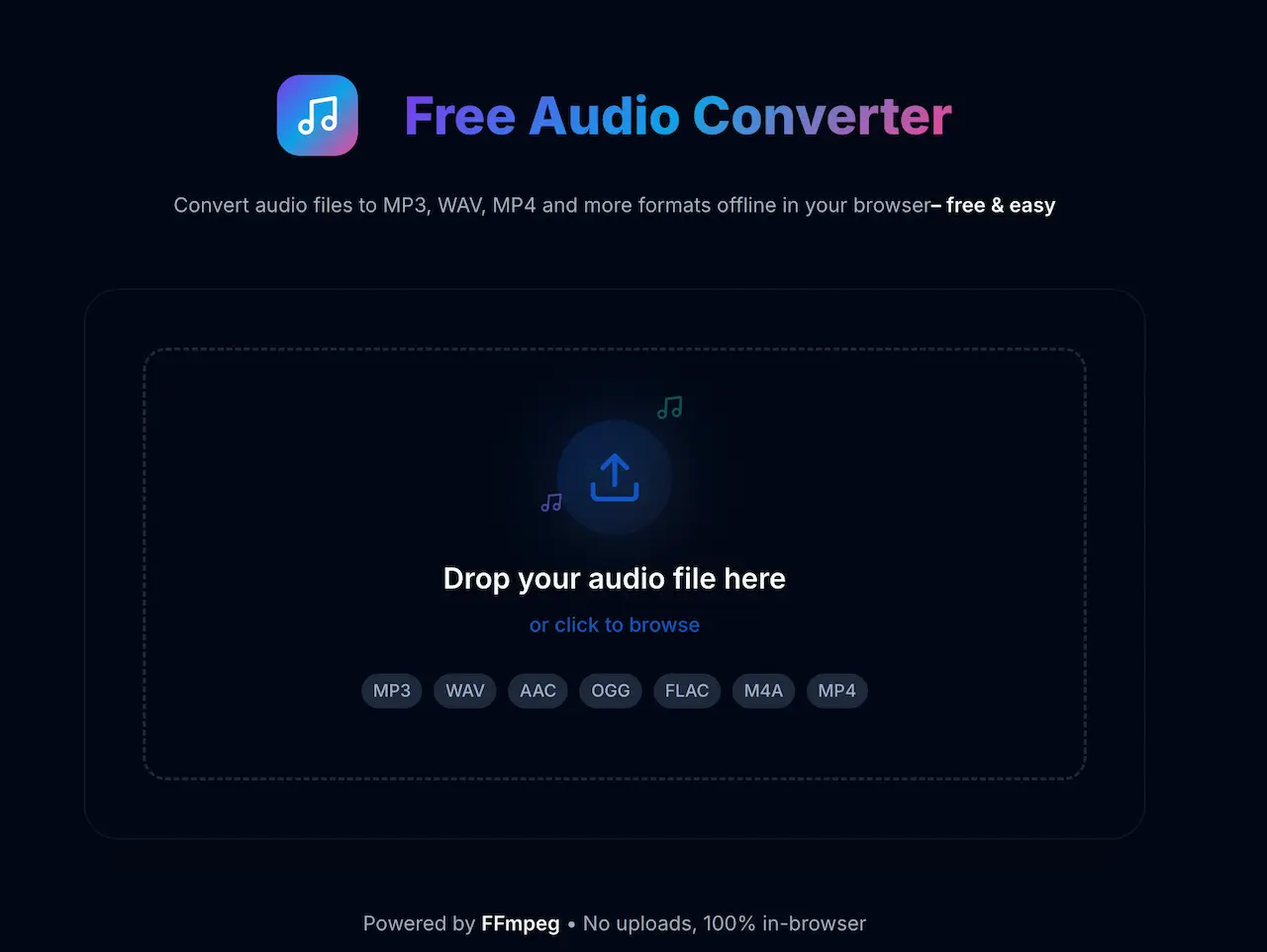
Convert Audio Without Leaving Your Browser
Got a WAV that’s too large, an OGG your phone won’t play, or an M4A your editor won’t accept? Most converters ask you to upload the file, wait in a queue, and hope it comes back intact.
This tool skips it. Drop a file, pick a format, and download the result. It runs in your browser.
Convert Your First File Free →
Why In-Browser Conversion Matters
When you upload a file to an online converter, a stranger's server handles it. Your recordings — interviews, music drafts, voice memos — sit on hardware you don't control, processed by code you can't inspect.
This tool runs FFmpeg directly in your browser via WebAssembly. Conversion runs on your machine. Once the tool loads, it works without an internet connection. Your files stay private.
How It Works
Three steps:
- Drop your file. Drag and drop any audio file onto the tool, or click to browse.
- Pick a format. Choose MP3, WAV, AAC, OGG, FLAC, M4A, or MP4 from the dropdown.
- Convert and download. Watch the progress bar, then save the converted file with one click.
No account required.
The tool shows live progress during conversion. When it finishes, download it immediately.
Supported Formats
- MP3 — universal playback, small file size
- WAV — uncompressed, lossless quality
- AAC — efficient compression, native to Apple devices
- OGG — open format, common in games and web audio
- FLAC — lossless compression, preferred by audiophiles
- M4A — Apple's container for AAC audio
- MP4 — video container that holds audio tracks
Convert in any direction. WAV to MP3, FLAC to AAC, OGG to WAV — all combinations work.
What It Costs
Free. No limits, no credit card, no catch. Built as a public utility—like our free transcription tool.
Technical Details
- Engine: FFmpeg compiled to WebAssembly — the same tool professionals use on the command line
- Performance: Runs on a background thread, so the page stays responsive during conversion
- Privacy: Zero network requests during conversion. Fully offline after the initial load.
Get Started
Open the audio converter, drop a file, and pick your format. No sign-up, no waiting, no strings attached.